


What you’ll build
A self-hosted Dograh instance that places and receives AI voice-agent calls over Vobiz - Dograh dials via the Vobiz REST API, Vobiz fetches a<Stream> instruction, and audio streams bidirectionally over a WebSocket to your agent (STT → LLM → TTS).
Prerequisites
- A Vobiz account with an Auth ID (e.g.
MA_XXXXXXXX) and Auth Token - from the Vobiz Console. - At least one Vobiz phone number (your caller ID), in E.164 without the
+(e.g.91XXXXXXXXXX). - Docker + Docker Compose installed.
- A way for Vobiz’s cloud to reach your server. For local dev, Dograh auto-creates a Cloudflare quick tunnel (see Step 5).
Step 1: Run Dograh
Step 2: Create your account
Open http://localhost:3010, sign up (local auth - no email needed), and you’re in the dashboard.Step 3: Get your Vobiz credentials
From the Vobiz Console, copy:- Auth ID (
MA_…) - Auth Token
- (Optional) Application ID - leave it blank and Dograh auto-creates one and stores it.
- Your Vobiz number(s) you’ll call from.
Step 4: Add Vobiz in Dograh
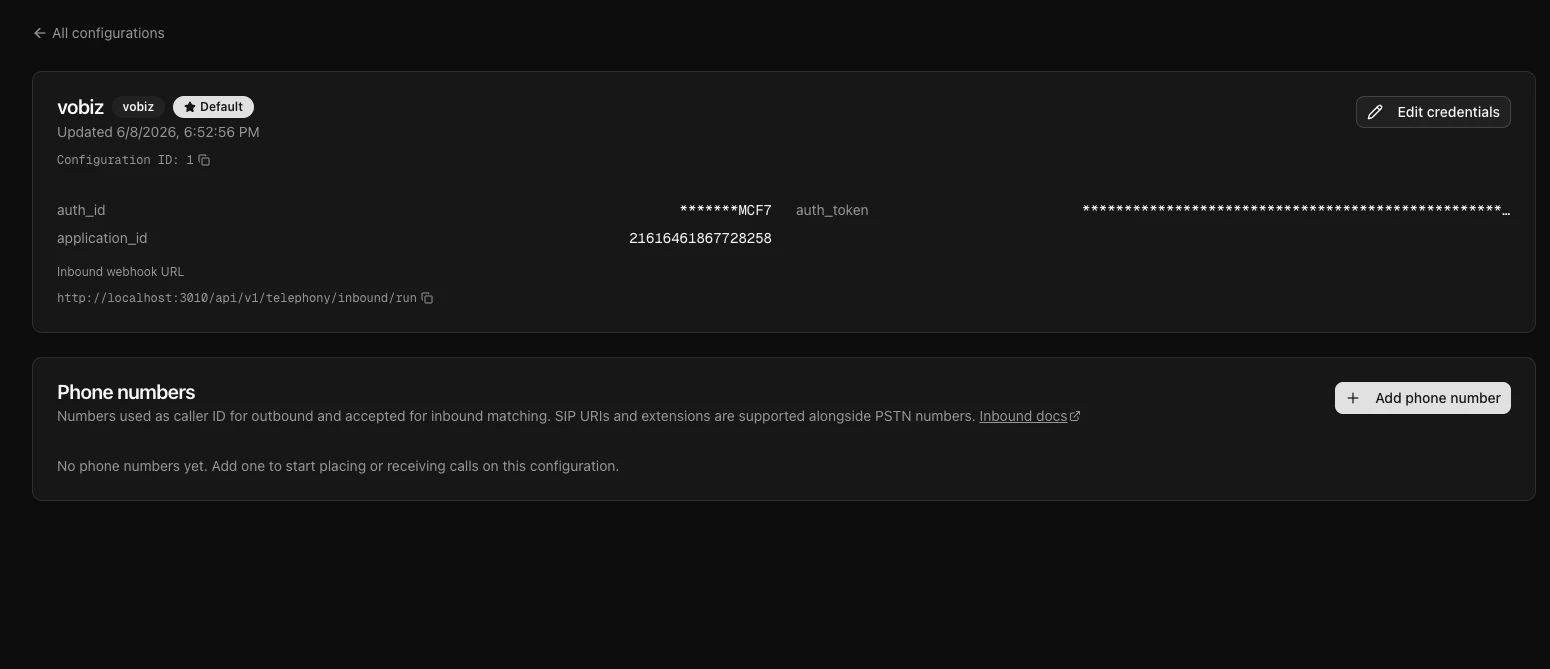
In the dashboard, go to Telephony → Configure Telephony.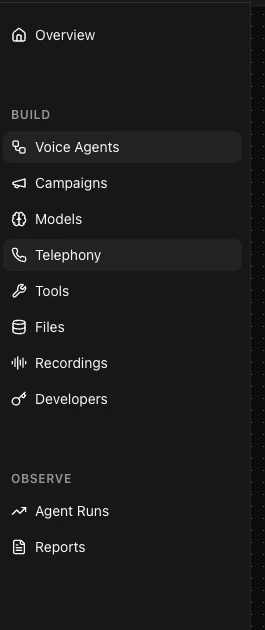
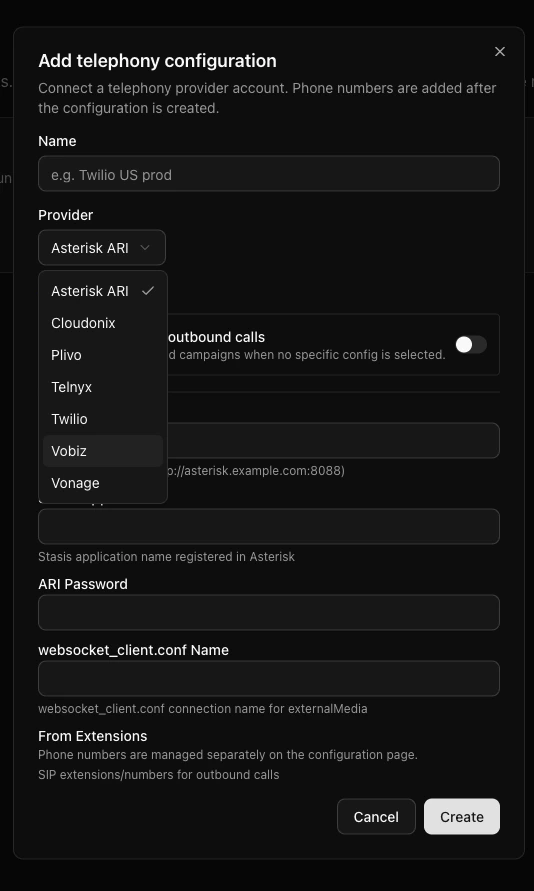
| Field | Value |
|---|---|
| Provider | vobiz |
| Auth ID | MA_XXXXXXXX |
| Auth Token | your Vobiz auth token |
| Application ID | (optional - auto-created if blank) |
| From numbers | your Vobiz number(s), E.164 without + (e.g. 91XXXXXXXXXX) |
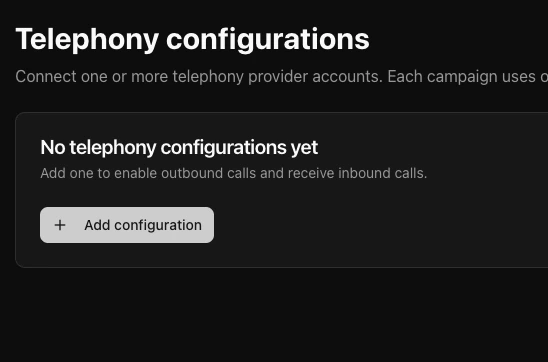
Dograh is now authorized to place and receive calls through your Vobiz account.
Step 5: Make Dograh reachable from Vobiz
Vobiz’s cloud calls back into Dograh for call control and audio:| Endpoint | Purpose |
|---|---|
POST /api/v1/telephony/vobiz-xml | Returns the <Stream> instruction. |
POST /api/v1/telephony/vobiz/ring-callback/{run_id} | Ring status. |
POST /api/v1/telephony/vobiz/hangup-callback/{run_id} | Call ended. |
WS /api/v1/telephony/ws/{workflow_id}/{user_id}/{run_id} | Bidirectional audio stream. |
- Local dev - Dograh auto-starts a Cloudflare quick tunnel and uses it automatically (no setup). Check it in the health output’s
backend_api_endpoint. - Production - deploy on a server with a real domain (HTTPS) and set
BACKEND_API_ENDPOINT=https://your-domainso the callbacks andwss://stream use a stable, low-latency endpoint. See Dograh’s Docker deployment guide for the remote profile (nginx + HTTPS).
Step 6: Build an agent
Go to Create agent, pick Inbound or Outbound, name it, and describe the use case in a sentence (e.g. “Qualify inbound insurance leads”). Dograh generates a workflow you can edit.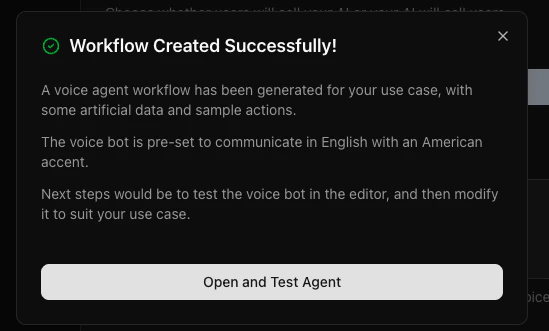
Step 7: Place an outbound call
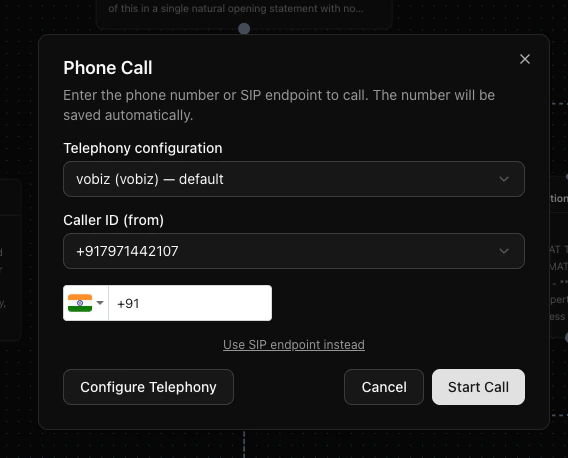
Open your agent and click Call (phone icon):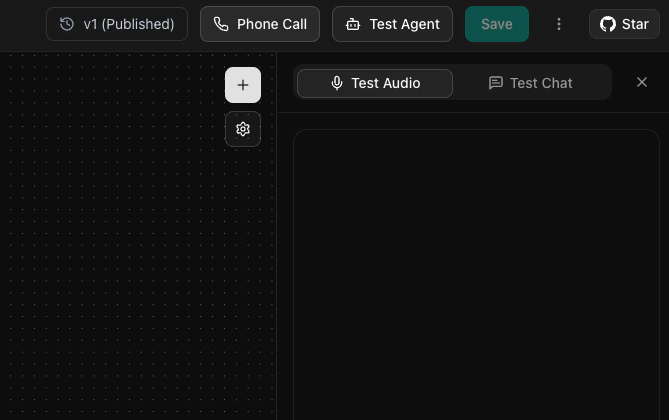
- Telephony configuration:
vobiz (vobiz)- default - Caller ID (from): your Vobiz number
- To: the destination number (E.164)
<Stream> XML, and audio streams over the WebSocket to your agent.
Inbound calls (optional)
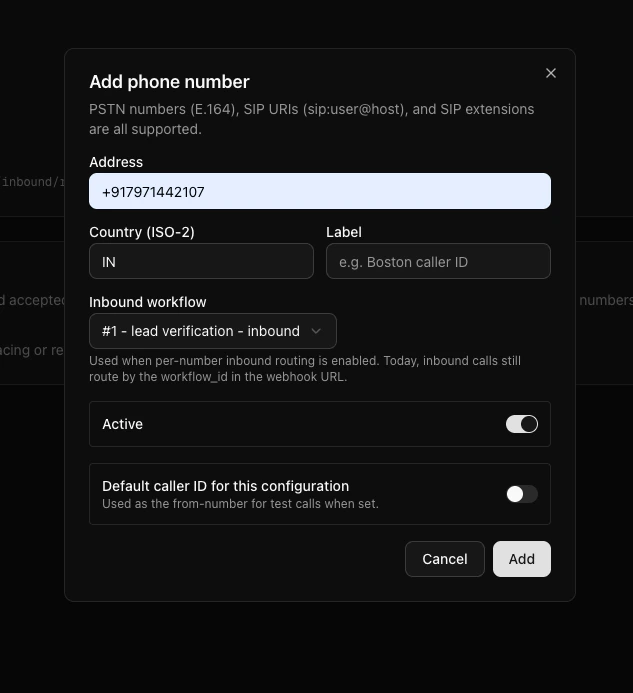
Attach a workflow to a Vobiz number on the account - Dograh updates that Vobiz application’sanswer_url so incoming calls route to the agent.
How it works
Troubleshooting
401 on every request / can't create agent
401 on every request / can't create agent
Stale browser session after a re-clone or secret change. Clear site data for
localhost:3010, or use an Incognito window.Call connects but no audio
Call connects but no audio
Check your STT/LLM/TTS provider keys in Settings (if using the built-in hosted models, verify the account/key is active). Confirm
backend_api_endpoint in the health output is a reachable public URL.Robotic or slow voice with OpenAI TTS
Robotic or slow voice with OpenAI TTS
OpenAI returns 24 kHz audio; ensure it’s resampled to the 8 kHz telephony rate. Configure the TTS at its native 24 kHz so the transport downsamples.
Bot greets but won't continue the conversation
Bot greets but won't continue the conversation
Turn-taking depends on the bot-stopped-speaking signal. Avoid a continuous output mixer on telephony.
Ports clash with another local stack
Ports clash with another local stack
Remap host ports via a
docker-compose.override.yaml (e.g. postgres 5433, redis 6380, api 8001).Resources
| Resource | Link |
|---|---|
| Dograh on GitHub | github.com/dograh-hq/dograh |
Vobiz <Stream> XML | Stream element |
| Vobiz support | support@vobiz.ai |