


What you’ll build
A no-code integration that lets your Bolna voice agents make outbound calls and answer inbound calls on Vobiz phone numbers, with provisioning available directly inside the Bolna platform.Prerequisites
- Vobiz account with active balance - you need your
Auth TokenandAuth Secretfrom the Vobiz Console → Create account - Bolna.ai account → Sign up at bolna.ai
Step 1: Add Vobiz as a provider
Log in to the Bolna platform and navigate to the Providers section. Locate the Vobiz provider option and enter your Vobiz Auth Token and Auth Secret.| Credential | Where to find |
|---|---|
Auth Token | Vobiz Console → Settings → API Keys |
Auth Secret | Vobiz Console → Settings → API Keys |
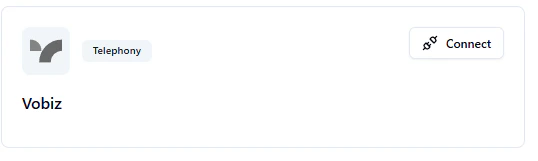
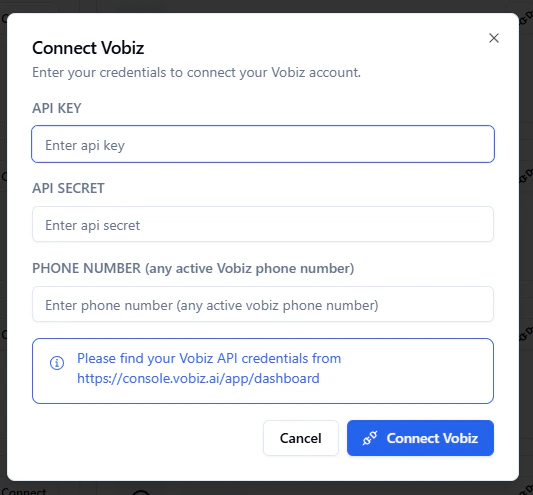
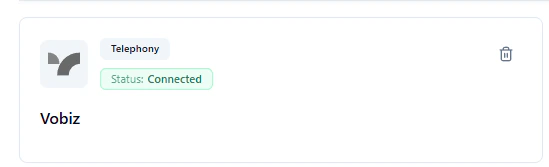
You’ve successfully authorized Bolna to use Vobiz for making phone calls.
Step 2: Configure outbound calls
To enable your agents to make outbound calls, select Vobiz as the telephony provider in the agent settings. In the Call Agent section, select Vobiz from the provider dropdown.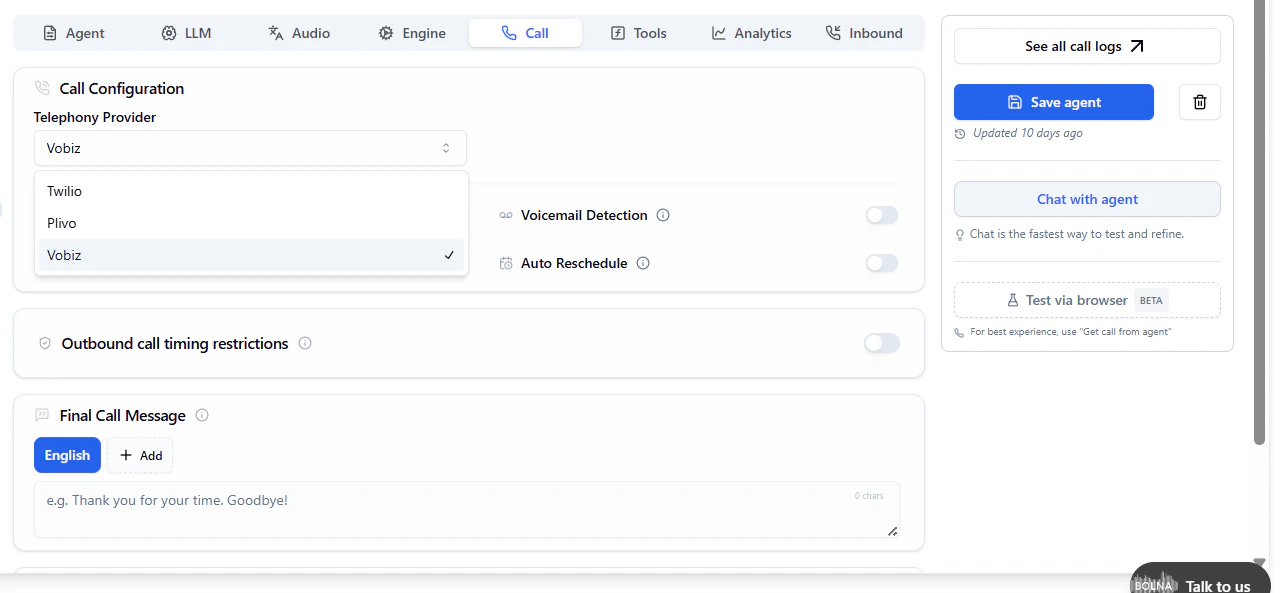
Your AI agent will now route outbound calls directly through your Vobiz SIP trunk.
Step 3: Set up inbound calls
Configure which agent answers incoming calls to your Vobiz numbers.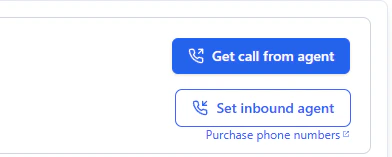
- Go to the Inbound section in Bolna.
- Select the agent that will handle incoming calls.
- Select the specific Vobiz phone numbers to assign to the chosen agent.
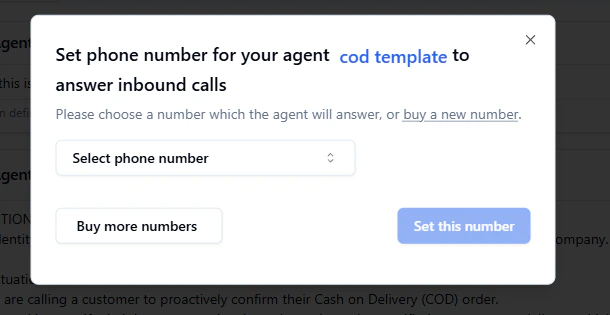
Step 4: Assign phone numbers
Provision and buy new phone numbers directly within the Bolna.ai platform using Vobiz inventory.Resources
| Resource | Link |
|---|---|
| Bolna documentation | docs.bolna.ai |
| Vobiz support | support@vobiz.ai |
| Bolna support | support@bolna.ai |